Wallet
The expense center serves as a one-stop financial platform, providing functions such as top-up, expense viewing, bill and voucher details. Users can monitor the consumption of various resources in real-time, clearly understand bill details, usage, and payment status, helping enterprises optimize resource allocation, control costs, and improve financial transparency.
After signing in, a primary account can use the Wallet to top up and view balance and voucher information.
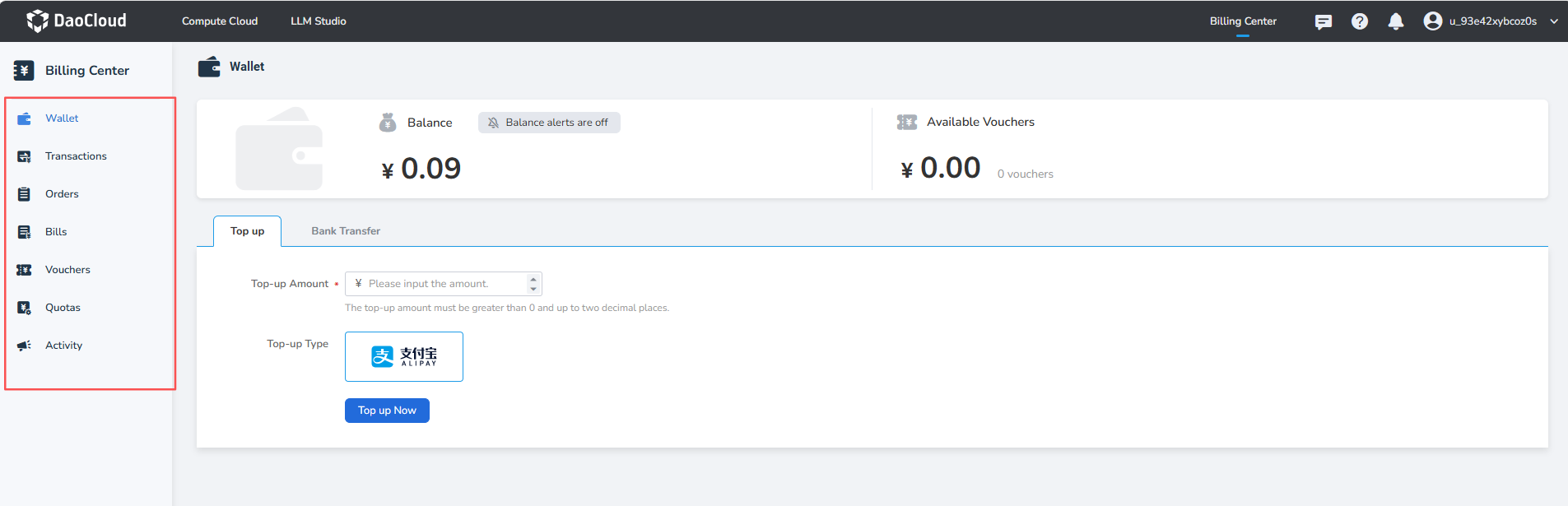
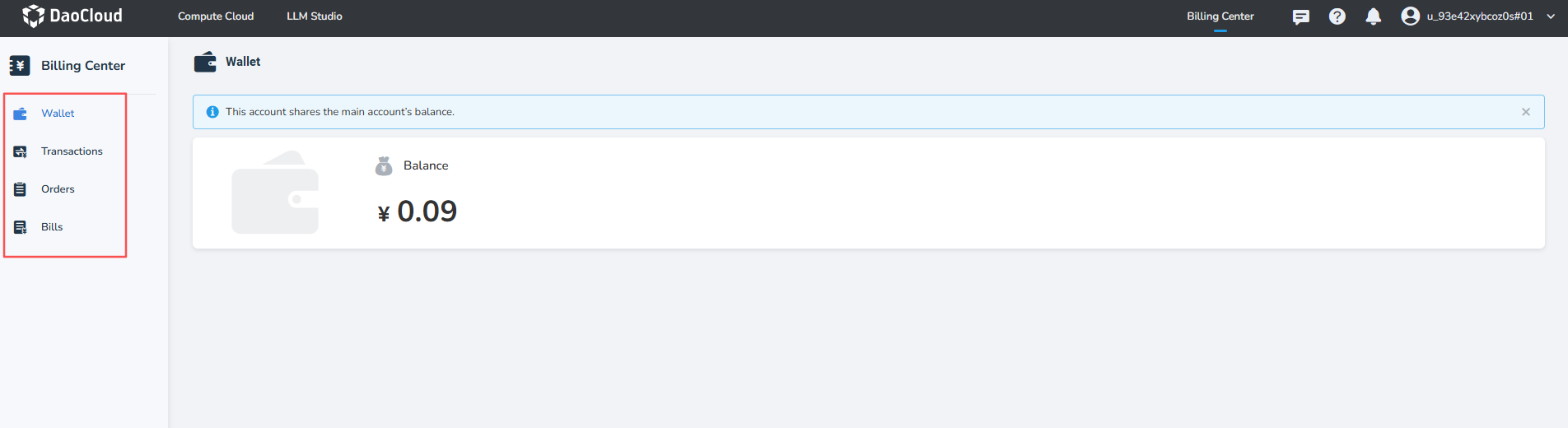
If the primary account has not set a quota for the sub-account, the sub-account can view the balance shared with the primary account after signing in, but cannot top up or manage the wallet.
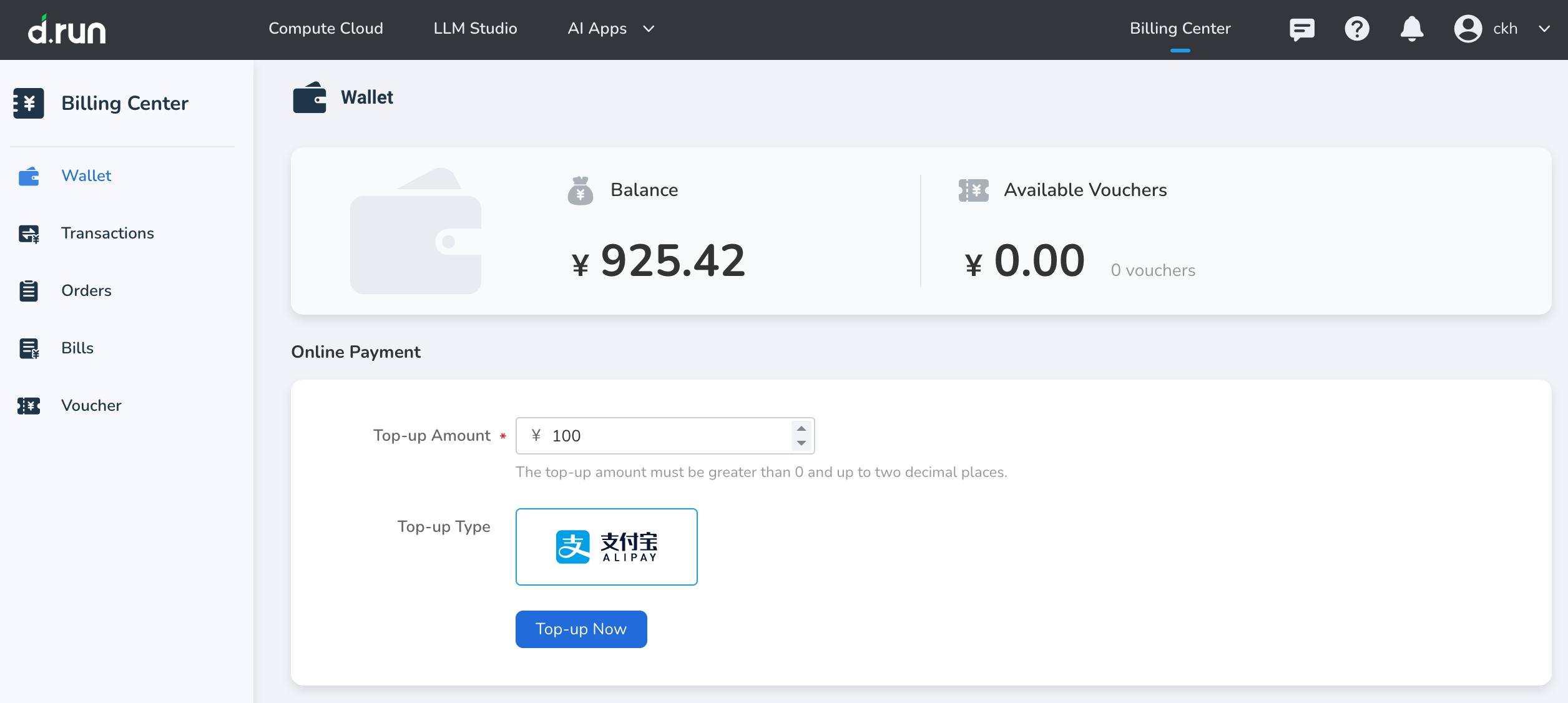
You can top-up your account online in the Wallet , and the top-up amount can be used to purchase various products on the platform.
Note
- The top-up amount can only be invoiced after consumption.
- If you need an invoice, please contact customer service on the official website.
Steps
-
Go to Wallet, enter the top-up amount. The amount must be greater than 0 and can have a maximum of two decimal places. Then select the payment method.
-
Click the Top-up Now button to be redirected to a third-party payment channel to complete the payment.
-
After the top-up is completed, check the total balance of your account in Balance , and you can view the top-up records in Transactions.